Visitor management for apartments: passes, walk-in approvals and parcels
Pre-approved passes, one-tap approval for walk-in visitors, repeat passes for tutors and drivers, daily help attendance and parcels: a calmer gate for residents and guards.
Written by
HomeOS Team
The gate is where a society feels safe, or doesn't. A paper register can't tell a guard whether a visitor is expected, and calling every flat for every delivery wastes everyone's time. Here is how HomeOS handles the gate.
Visitor passes
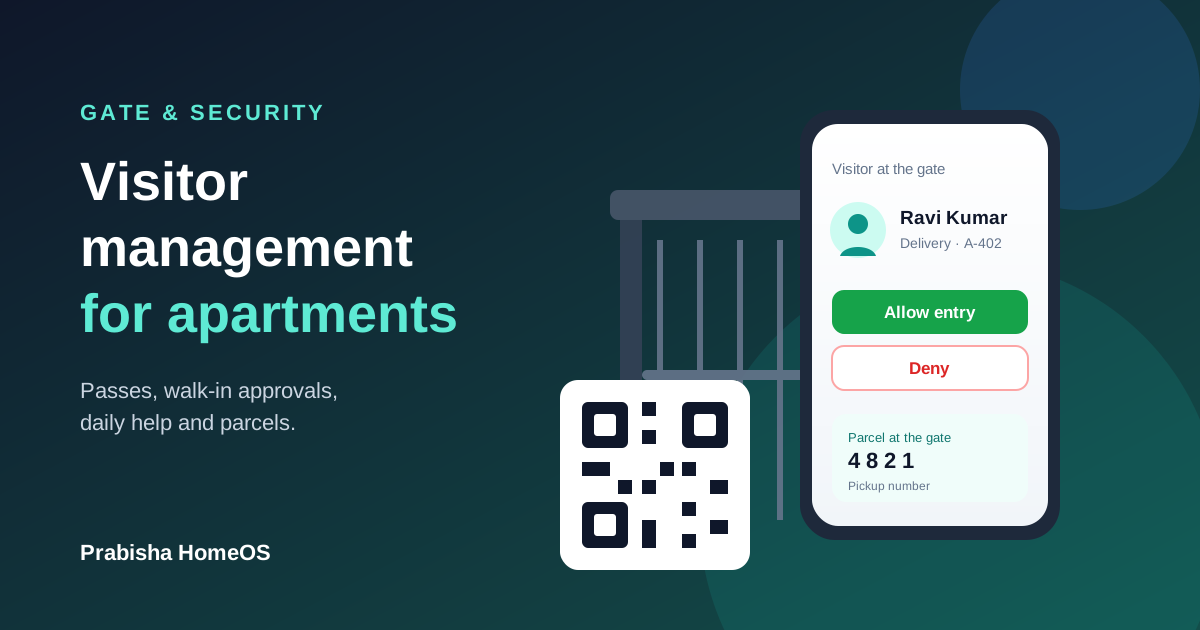
Expecting someone? Create a pass in a few seconds with their name and the date. HomeOS gives you a 6-digit code and a QR code to share on WhatsApp. At the gate, the guard types the code or scans the QR and checks the visitor in. You get a notification the moment they arrive.
For people who come regularly, like a tutor, a driver or a physiotherapist, create a repeat pass for up to 90 days on chosen weekdays. Every visit is logged on its own.
Walk-in visitors: the flat decides
When someone arrives without a pass, such as a delivery or an unexpected guest, the guard logs them and asks the flat. You get a notification, and on WhatsApp an Allow entry / Deny message, so you can answer in one tap even without opening the app. The guard sees your answer on the gate screen within seconds. If you can't be reached, the guard can call you and decide.
Daily help attendance
Add your maid, cook or driver to your flat. Each gets a permanent gate code. The guard marks them in and out, and you see their attendance for the month. If the same person works in several flats, they keep one code.
Parcels
When a parcel reaches the gate, the guard logs it against your flat. You are told straight away and see a 4-digit pickup number in the app. The guard hands the parcel over only when that number matches, so it reaches the right person.
Vehicles and SOS
Register your cars and two-wheelers so the guard can look up a number plate and see which flat it belongs to. And in an emergency, the SOS button alerts every guard and committee member at once with your flat number.
All of this works on the website and in the HomeOS Android app. Register your society to bring it to your gate.
Found this useful? Share it with your society.
Comments (0)
No comments yet. Be the first to comment!