Collecting society maintenance online: bills, reminders, late fees and receipts
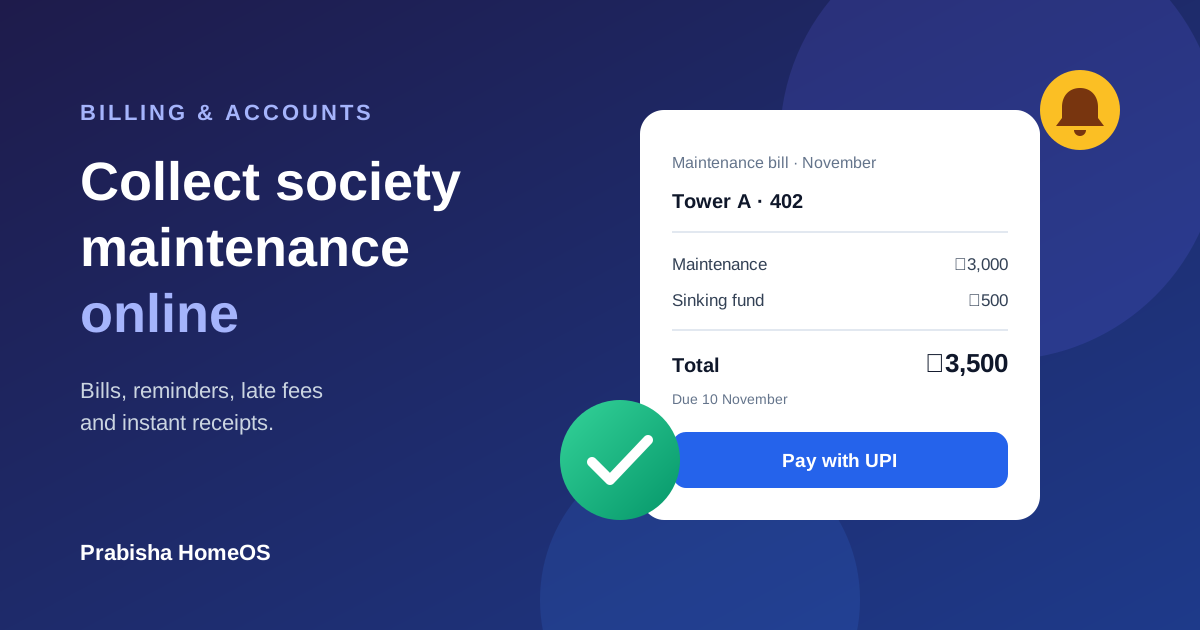
Bills for every flat in one click, reminders that go out on their own, an optional late fee, payment by UPI or card, and a receipt the moment someone pays.
Written by
HomeOS Team
Collecting maintenance is the least favourite job on most society committees: making the list, chasing late payers, writing receipts and keeping the books straight. HomeOS takes most of that work away.
Set the charges once
Choose how maintenance is charged:
- The same amount for every flat, for example ₹3,000 a month, or
- By flat size: area in sq ft multiplied by a rate, for example 1,200 sq ft × ₹2.50.
Add a sinking fund if your society keeps one, pick the day of the month the bill is due, and optionally set a late fee.
Bills for every flat in one click
Each month, generate the bills for all flats at once. Every resident is told on the app and by email, and on WhatsApp if they have it switched on, with the amount and due date.
Reminders that go out on their own
Three days before the due date, flats that haven't paid get a reminder. If a bill is still unpaid after the due date, the late fee (if you set one) is added once and an overdue reminder goes out. Nobody on the committee has to send a single message.
Pay online, get a receipt instantly
Residents pay by UPI, card or net banking through Razorpay, and get a receipt the moment the payment goes through. If someone pays in cash, by cheque or by bank transfer, an admin records it in a few clicks and the receipt is issued the same way.
Clear accounts for everyone
Every flat has a statement of all its bills and payments. The committee sees what was billed, what was collected and who is pending for each month, and can record expenses so residents see where the money goes.
Ready to stop chasing maintenance? Register your society, or talk to us about moving your existing flat list and dues to HomeOS.
Found this useful? Share it with your society.
Comments (0)
No comments yet. Be the first to comment!