How to set up your housing society on HomeOS in 15 minutes
Register your society, add towers and flats, invite residents on WhatsApp, put your guards on the gate and switch on billing. Here is the whole setup, step by step.
Written by
HomeOS Team
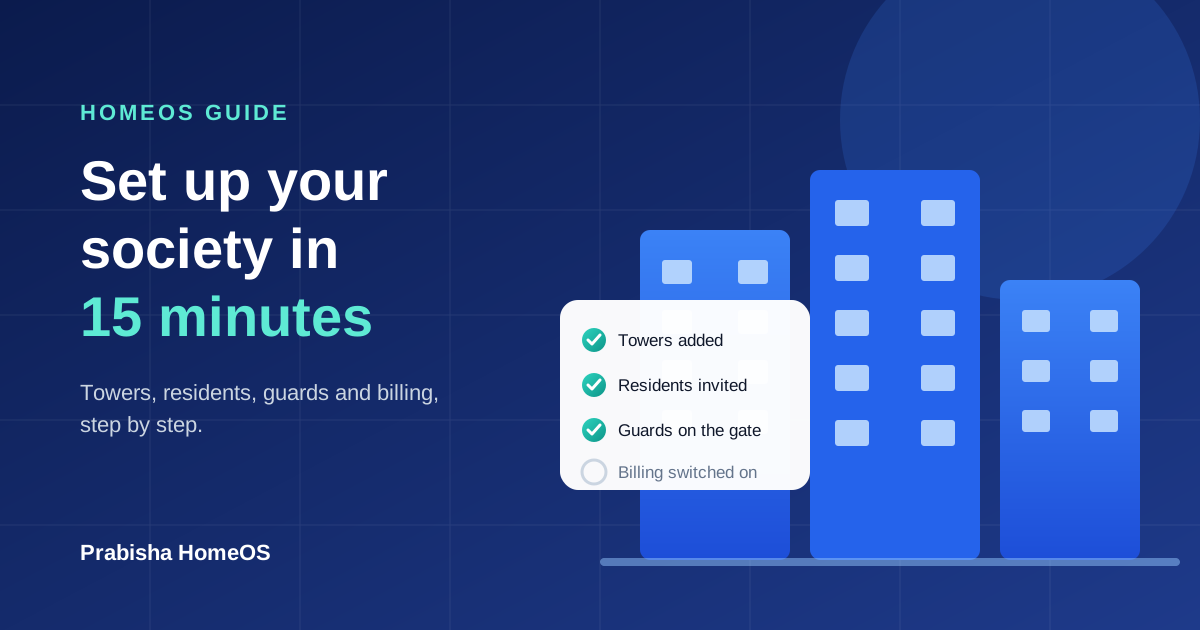
Most housing societies still run on a mix of WhatsApp groups, paper visitor registers and spreadsheets for maintenance. HomeOS puts all of it in one place for residents, guards and the committee. Setting it up takes about 15 minutes. Here is how.
1. Register your society
Sign in on homeos.prabisha.com/society/start with WhatsApp, your email or Google, and fill in your society's name, type (apartment, gated community, colony or villa layout), address and number of flats. We check every new society before it goes live, usually within a working day, so residents only ever join the real one.
2. Add your towers and flats
If your society has towers, wings or blocks, add them first so residents pick the right one when they join. Then open Maintenance → Flats & residents and paste your flat list straight from Excel or Google Sheets:
- Tower, flat number and area in sq ft (needed only if maintenance is charged per sq ft)
- Owner name, and the resident's email or WhatsApp number if you have them
- Whether they live there as owner or tenant
Anyone whose email or number is on the list joins your society in their own flat the moment they sign in. No invite code, no flat to choose.
3. Invite your residents
Open Residents & invites. You can:
- Invite people one by one or paste a list, with their flat and role (resident, committee admin or guard), and send the invite on WhatsApp and email.
- Share the society code in your WhatsApp group, or print the QR poster for the lift and notice board.
The invites list shows who opened their invite, who joined and how, so you know exactly who still needs a nudge.
4. Put your guards on the gate
Invite your guards with the Gate staff role. They get one simple gate screen: check visitor passes by code or QR, ask a flat before letting a walk-in in, mark daily help in and out, log parcels and look up vehicles.
5. Switch on maintenance billing
Set the monthly charge (the same for every flat, or by area), an optional sinking fund, the due day and a late fee if your society uses one. Generate the month's bills in one click. Residents pay online and get a receipt immediately, and you can still record cash, cheque and UPI payments by hand.
6. Say hello
Post your first notice. Residents can acknowledge important notices, raise helpdesk tickets, book the clubhouse and vote in polls from the same app.
The setup checklist on your society page ticks each step off as you go. Stuck anywhere? Contact us and we will help you set it up.
Found this useful? Share it with your society.
Comments (0)
No comments yet. Be the first to comment!